
Scio Court Docket Searches
Where a Scio case starts depends on its type. Traffic, parking, misdemeanors, small claims, evictions, limited-civil matters, and preliminary felony records sit in County Court CaseLook. Felonies, major civil filings, domestic-relations cases, liens, and appeal-related records sit in Common Pleas CaseLook. Scio has no separate municipal or mayor's court portal. Read the court name on your Scio notice first, then open the matching official search.
Each system searches differently. The Scio County Court form takes a last-and-first name. It also takes a numeric case number, a hearing date, a file date, a violation date, or case-family checkboxes. Common Pleas allows one criterion at a time and requires CAPTCHA. Both channels warn that postings lag at least 24 hours behind filings.
- Identify the Scio case court.
- Search County Court or Common Pleas.
- Use a Scio name, number, or date.
- Read the newest entry and setting.
- Confirm a recent Scio result with the court.
Scio Has a County Court Channel
Scio counted 673 residents in the 2020 Census. It has no municipal court of its own. Harrison County Court serves the village and holds territorial jurisdiction across the whole county. Its docket covers traffic cases, criminal misdemeanors, and evictions. It also handles civil complaints up to $15,000 and small claims to $6,000. Anything above that route, such as a felony, goes to Common Pleas. The Scio Census profile gives the official village figures behind this picture.
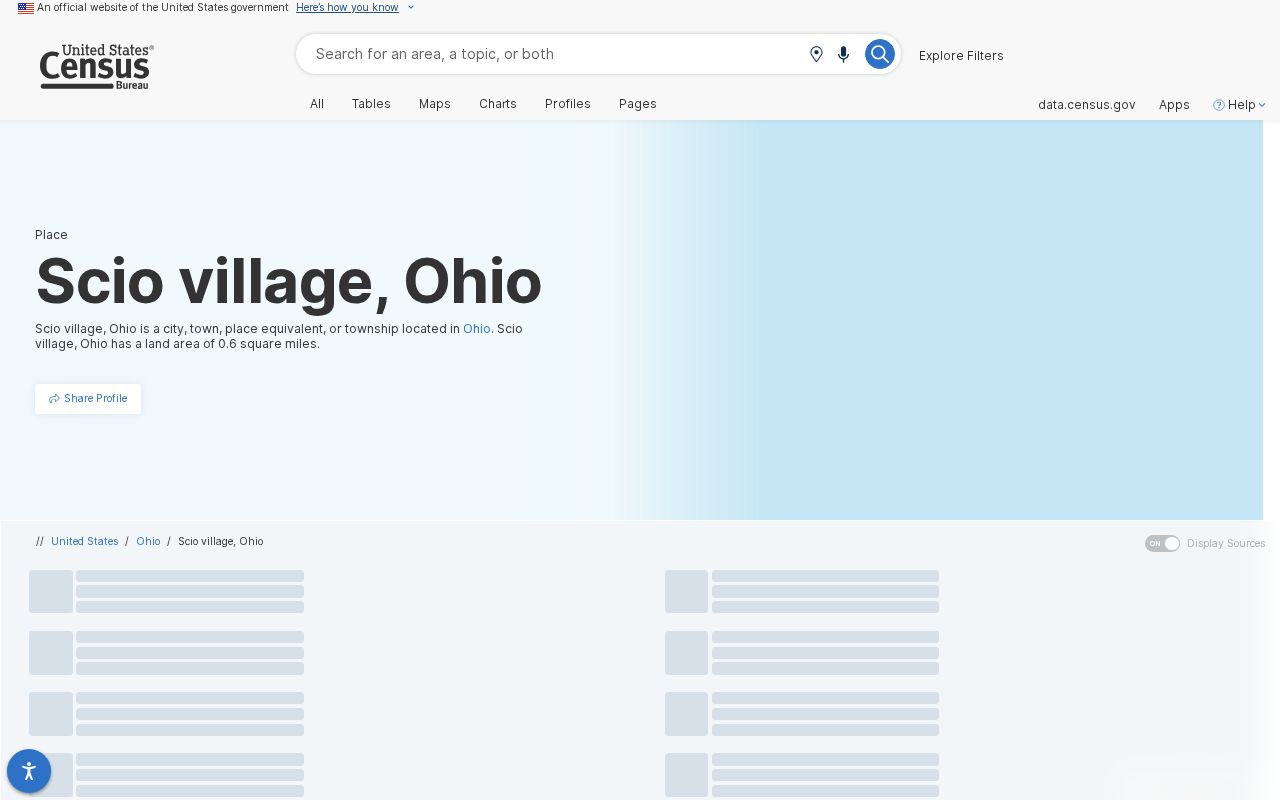
Scio’s village size does not create a separate Scio docket system.
Inside Scio’s County Court Route
You will not find a Scio Municipal Court in the official Harrison County lineup. County Court records for Scio carry these case families: Traffic TRC/TRD, Criminal CRA/CRB, Civil CVE/CVF/CVG/CVH/CVT, Small Claims CVI, and Parking PRK. So a Scio traffic ticket or misdemeanor lookup begins in County Court CaseLook.
A Scio indicted felony, major civil matter, domestic-relations file, lien, or appeal-related local record belongs to Common Pleas and its Clerk instead. The two courts keep separate records even though their counters share the courthouse complex. Knowing which one holds your case number saves a wasted search.
Scio County Court Search Fields
Start with party name when you search the Scio court docket through County Court CaseLook. The form takes other search fields too. You can enter a numeric case number, a hearing date, a file date, or a violation date. A case-family checkbox is there as well. Ask for 25, 50, 100, or 250 matches at a time. If an exact docket search comes up empty, try looser criteria. Then check each hit against the court, the date, and the record details. That way you know the entry is sound before relying on it. The official County Court CaseLook form is the public route to Scio court records.
Scio Search Result Limits
One search is never enough. A Scio County Court lookup does not cover Common Pleas. Run both when the case type is unclear. On the County Court side, the public form wants a party or company name in Last, First form. It also takes a numbers-only case number. You can narrow things with a hearing, file, or violation date, plus the local case-family boxes. A hit in a traffic, criminal, civil, small-claims, or parking family belongs to County Court, not to any Scio municipal court, because none exists.
Common Pleas works differently. Its Name/Company field takes last name, then a space, then first and middle. The case number is numbers only. The site allows one search criterion at a time and requires CAPTCHA. It also splits its records into Appeals, Civil, Criminal, Domestic Relations, Judgment Lien, and Miscellaneous. Repeat your Scio docket search at that level whenever the case points beyond County Court.
Finding Scio Court Dates
Scio County Court dates appear in three places. Check the case record, the Hearing Calendar, or the Court Schedule. The month view lets you pick a Month and Year. Optional Attorney and Official filters are available too. The schedule takes a beginning and ending date. It shows time, case, party, description, and status for each row. Compare any calendar row against the newest docket entry, since settings can change.
| Scio date | Scheduled date in the County Court record or calendar. |
|---|---|
| Time and case | Fields for matching the Scio matter. |
| Description | Short displayed charge or matter text. |
| Status | Setting label, not a complete outcome. |
| Confirmation | County Court after a Scio reset or conflict. |
The calendar is most trustworthy when three things agree. Check the Scio citation or notice, the case record, and the current schedule. A published row lists a date, time, case, party, description, and status. It does not promise a courtroom number or a full judge name in every row. For that missing detail, call County Court at 740-942-8865 rather than guessing from the calendar.
Common Pleas cases follow a different calendar route. Its Calendar Search requires a beginning date and allows an optional ending date. Results can be narrowed by the CA, CV, CR, DR, JL, and MI categories before CAPTCHA is completed. That split matters when a Scio case involves an indicted felony, a major civil matter, domestic relations, a lien, or an appeal-related local record rather than a County Court setting.
Scio Calendar Labels Explained
A Scio schedule row may show ARRAIGNMENT, PRE-TRIAL, SENTENCING, REVIEW, MOTION HEARING, BENCH TRIAL, SHOW CAUSE, or WARRANT. These labels name the type of public setting. They prove nothing about a disposition, a procedural reason, or whether a warrant label is still valid. When a status matters, get confirmation from the Scio court itself. CaseLook data can lag 24 hours behind. Treat the calendar as a finding tool. It is not a certified record. Nor is it a promise that an earlier setting still stands.
Scio Traffic Ticket Lookups
For a Scio traffic ticket, turn to County Court CaseLook and pick TRC or TRD. You can pull up a case by party name or case number. Hearing date, file date, and violation date work too. The record may include charge details, hearing information, financial data, and the disposition. Docket Entries arrive in date order. Letter suffixes split apart multiple charges that came from one Scio citation.
Some Scio citations qualify for the County Court payment portal. Pay online and you are pleading guilty. You give up your right to appear. You also give up your right to a trial. Anything requiring an appearance, anything missed, or anything ineligible belongs back at County Court itself.
Scio Citation Timing Rules
A brand-new Scio citation may not show up in the County Court payment search yet. The court allows 5 to 7 business days for a ticket to arrive after it is issued. It also tells people not to try paying online before five days. CaseLook adds its own delay of at least 24 hours before display. So a Scio ticket first needs time to reach the court. It needs more time to surface in the public record.
Once payment becomes possible, check the citation date and time. Confirm the case is eligible too. County Court wants full payment before the listed date and time. Partial online payments are not accepted. If an appearance is required or a date was missed, work it out with County Court. Do not assume an online-payment glitch.
Scio Civil Cases by Court Level
Before searching a Scio civil case, check which court level holds it. County Court covers Scio civil claims up to $15,000. Small claims go up to $6,000. Anything above the County Court limit goes to Common Pleas. A hit in one court, then, is not necessarily the whole story. The same matter may also sit in the other.
Let the court header and the claim route guide you to the right file. The village name alone will not do that.
How Scio Cases Reach the County
Scio has no municipal court of its own. Every Scio case therefore travels to a county court. Traffic, misdemeanors, small claims, evictions, limited civil matters, and preliminary felony hearings sit in County Court. Indicted felonies, major civil cases, domestic relations, liens, and appeals go through Common Pleas and the Clerk.
Docket flow: Scio village event → Harrison County Court or Common Pleas → Seventh District Court of Appeals for an appeal.
Court line: the court named on the Scio citation, not where the stop happened, tells you where the case starts.
Scio Museum and Byway Context
Scio's history is worth knowing. It runs on a separate track from its court route. According to the county heritage page, the Scio Historical Museum is a vintage yellow-brick home at Main and Carrollton Streets. The Scio Development Committee maintains and sponsors it. The Tappan-Moravian Trail Scenic Byway also passes through Scio on its way toward Jewett. Neither one creates a court jurisdiction of its own.
Court records and calendars for Scio stay centralized at County Court and Common Pleas. The county heritage source covers the local Scio context.
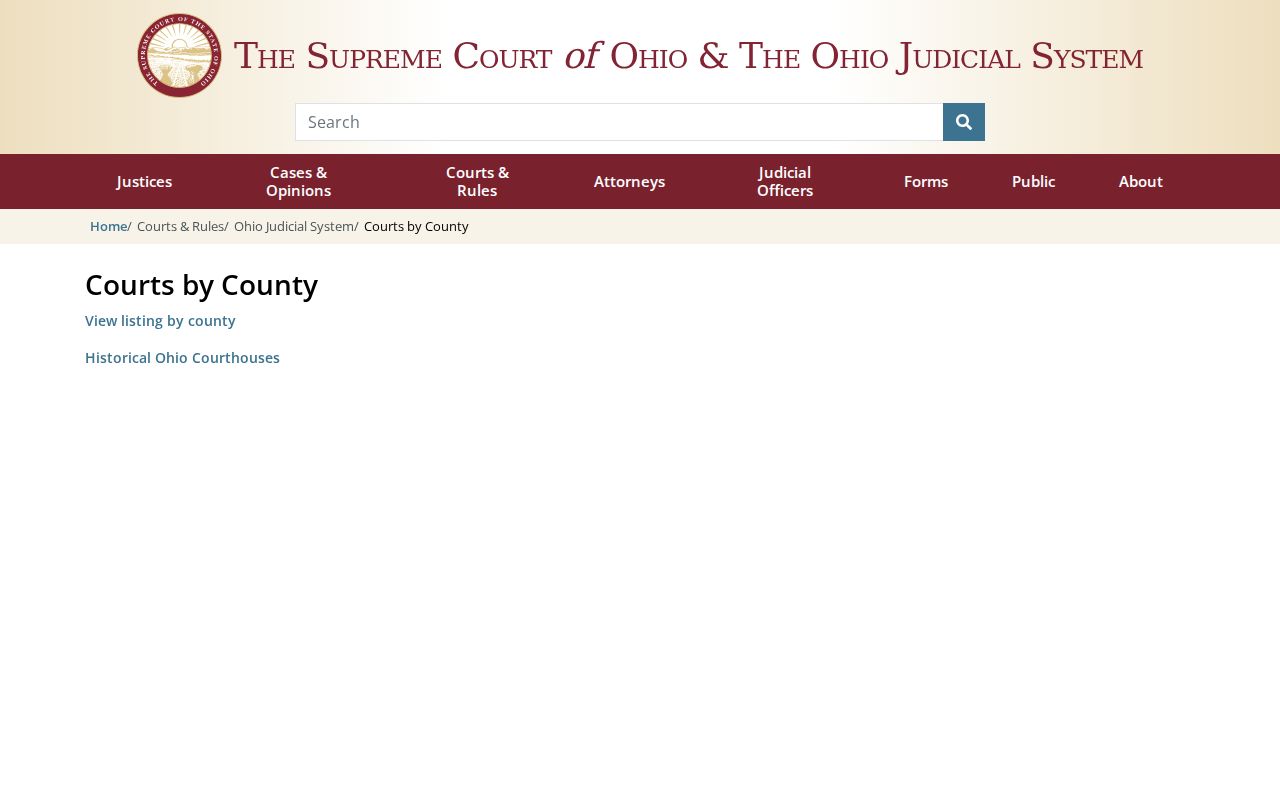
The directory confirms the court lineup behind Scio’s countywide route.
Who Can See Scio Court Records
Ohio court-record access rules govern what the public can see for Scio. CaseLook offers a public reference view. It is one way to scan a Scio case. For direct access or copies, go to the court or clerk that owns the file. Protected Scio material stays off the online view. That covers sealed, restricted, juvenile, adoption-related, and other protected records.
Scio access rules:
Sup.R. 44–47 governs court-record access and restrictions.
R.C. 149.43 provides Ohio’s public-record framework.
R.C. 2953.32 governs eligible sealing applications.
Ohio's access rules give readers a direct route to an ordinary Scio court record during regular business hours. Do not expect every filed document to appear online, though. If you need the actual order, a certified copy, or an older file, gather the court, case number, document name, and copy type first. Then ask the responsible clerk how to proceed.
Scio Record Requests in Cadiz
To confirm a Scio court record, call 740-942-8865. Or visit the County Court counter at 100 West Market Street, Department 105, Cadiz. Common Pleas records sit with the Clerk of Courts Legal Division at 740-942-8863. For any request, name the Scio court and the case number. State the document. Say whether you want a plain or certified copy. No Scio-specific request form, local court building, or turnaround time is published.
Keep the docket timeline separate from the filings behind it. CaseLook can display a case header, hearing information, financial fields, and disposition data. Chronological Docket Entries appear too. But the public interface does not promise every document image. So if you need a judgment entry, signed order, or clerk-certified record, say which document and which copy type. CaseLook is a locator, not the clerk-authenticated copy.
Common Pleas charges $0.25 per page for plain copies plus a $5 authentication or certified-copy item. County Court posts no general copy price. That gap is why a Scio request should first identify the court that owns the case. Then ask its clerk about cost, delivery, and restrictions.
Probate work runs on its own local path. That office traces its records back to 1813. It offers historic material on public terminals, which close at 4:00 p.m. Staff will not run genealogy searches for you. Include an approximate year or case reference and allow time at the terminal. Juvenile records are a separate restricted-access channel, not a missing CaseLook category.
These are three different channels with different custodians. One is a public county-court result. Another is a Probate terminal inquiry, and the third is a Juvenile access question. Treat them separately rather than as one presumed online search. The Harrison County Probate Court page documents that separate court channel and its terminal access.
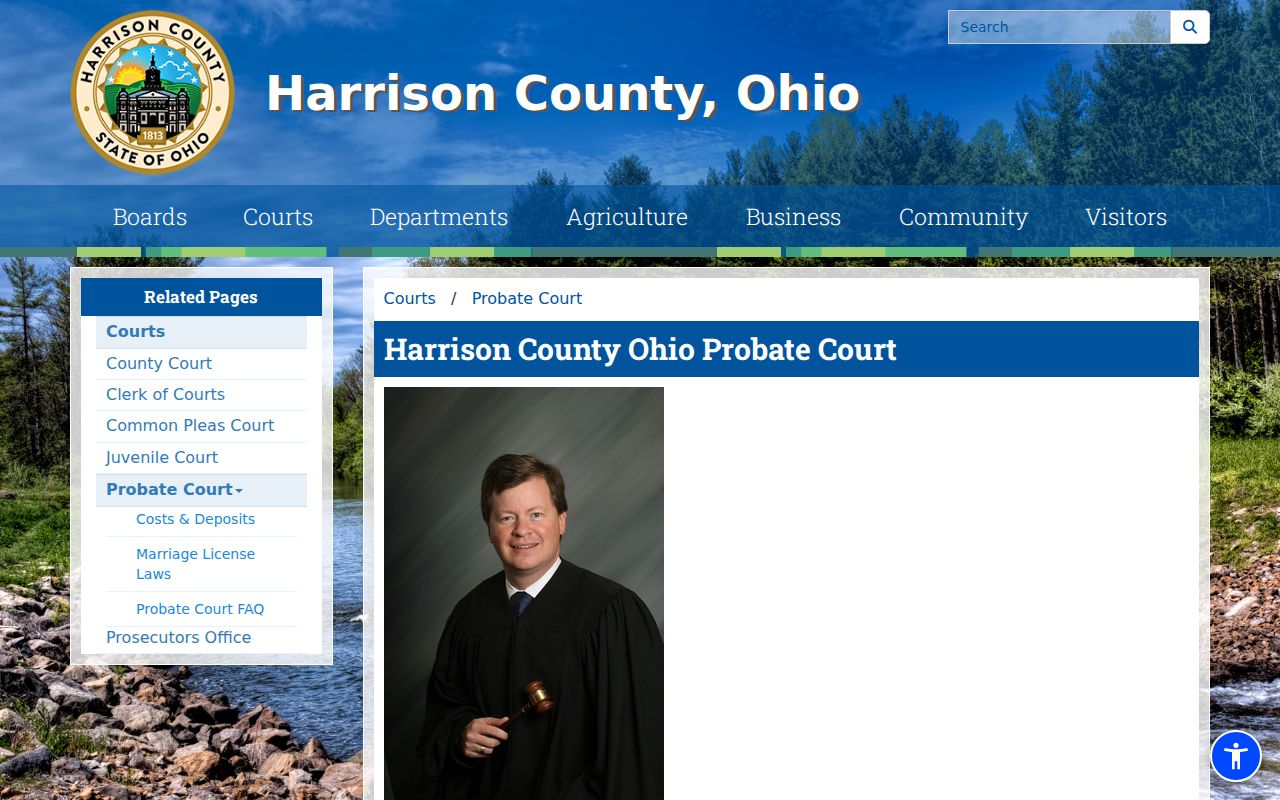
Probate access is its own Harrison County route, not a substitute for a general Scio docket search online.